
5 Inch HDMI Touchscreen Display 800x480 Resistive Touch LCD Screen for Raspberry Pi B B+ A+ 2 and Compatible Boards, Backlight Control, General Purpose Monitor


5 Inch HDMI Touchscreen Display 800x480 Resistive Touch LCD Screen for Raspberry Pi B B+ A+ 2 and Compatible Boards, Backlight Control, General Purpose Monitor
5 Inch 800x480 HDMI Touchscreen Display for Raspberry Pi and Compatible Boards
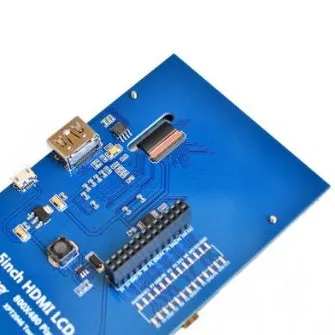
This 5-inch HDMI touchscreen display offers an 800x480 resolution and resistive touch control, making it a practical choice for single-board computer projects where space is limited but interaction is needed. It is compatible with Raspberry Pi models B, B+, B, and A+ 2, and can also be used as a general-purpose HDMI monitor with other boards such as Cubieboard or Marsboard. The display is designed to show content without occupying any I/O resources when used for display only; the touch function, when used, does occupy I/O. Backlight control is supported to help save electricity, and drivers are provided for use with custom Raspbian systems. The screen is finished with Shen Jin craft, described as finely crafted. Whether you are building a compact control panel, a portable media centre, or a status monitor, this display provides a straightforward way to add a touch-enabled screen to your setup.
Features and Construction
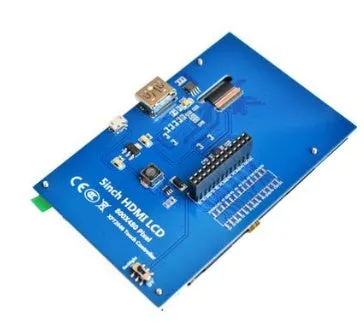
The core features of this display centre on its 5-inch size, 800x480 resolution, and resistive touch capability. It is built to work with a range of Raspberry Pi models and other HDMI-equipped devices, though touch functionality may not be available on non-Raspberry Pi boards without additional configuration. The display is intended for showing output, and it does not consume I/O resources unless the touch function is actively used.
Material and Build
The screen uses a resistive touch panel and is assembled with Shen Jin craft, which the source describes as finely crafted. The 5-inch form factor keeps the display compact, while the 800x480 resolution provides a clear image for text and basic graphics. The construction includes support for backlight control, allowing you to adjust or turn off the backlight to reduce power usage. No further material or durability claims are made in the source text.
Size and Practical Fit
With a 5-inch diagonal screen and 800x480 resolution, this display fits neatly into small enclosures and projects where a full-sized monitor would be impractical. It connects via HDMI, and for Raspberry Pi 1st Generation B, an additional HDMI cable is required. The touchscreen adds direct input, but note that using the touch function occupies I/O. The display is suitable for mounting in custom cases or using as a standalone screen for compatible boards.
Uses and Placement
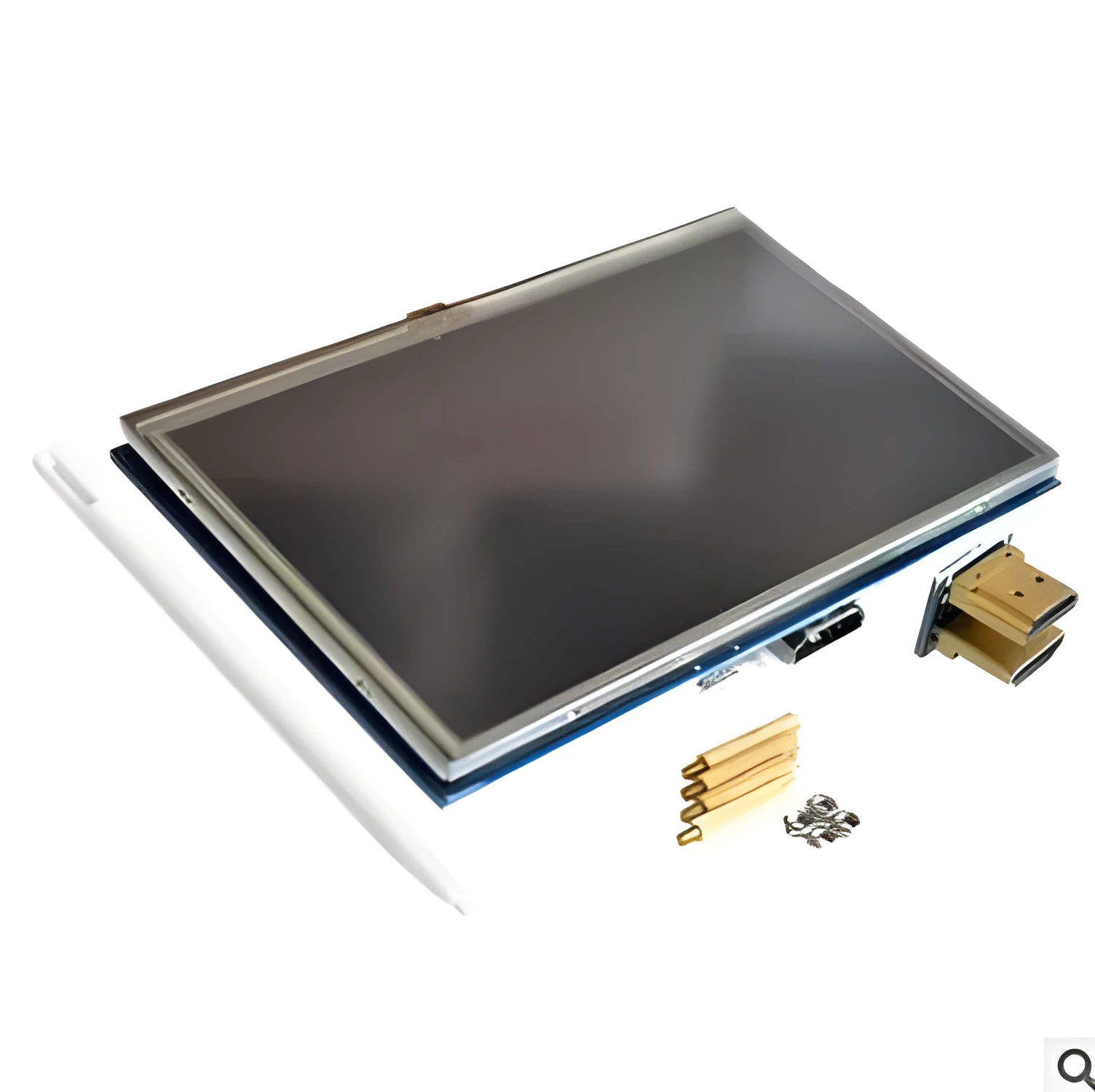
This HDMI display can be used in a variety of settings, from hobbyist electronics to professional prototyping. Its compatibility with Raspberry Pi models B, B+, B, and A+ 2 makes it a natural fit for those boards, while its general-purpose HDMI input allows it to work with other devices such as Cubieboard and Marsboard, albeit with limited touch support. The compact size and backlight control make it adaptable to both permanent installations and temporary setups.
Event or Professional Use
For exhibitions, workshops, or prototyping labs, this display can serve as a secondary monitor or a dedicated interface for a single-board computer. The 800x480 resolution is sufficient for displaying sensor data, control interfaces, or simple dashboards. Because it does not occupy I/O resources when used for display only, it leaves other ports free for additional peripherals. The touch function, when needed, provides an interactive element without requiring a separate keyboard or mouse.
Everyday Home Use
At home, the display can be used for projects such as a wall-mounted calendar, a media player interface, or a home automation panel. Its 5-inch size makes it unobtrusive, and the backlight control helps manage power consumption if left on for extended periods. The resistive touchscreen responds to touch input, and drivers are available for custom Raspbian systems, simplifying setup on Raspberry Pi. For other HDMI devices, the display works as a standard monitor, though touch may not be supported.
Benefits and Buying Value
The main benefits of this display are its compact size, touch capability, and flexibility across different HDMI sources. It is designed to be a display-only device that does not tie up I/O resources unless you use the touch feature, which can be an advantage in projects with limited ports. Backlight control adds a power-saving option, and the inclusion of drivers for custom Raspbian systems reduces setup friction for Raspberry Pi users.
Reuse and Low Maintenance
Because the display is a general-purpose HDMI monitor, it can be repurposed across different boards and projects over time. The resistive touchscreen and Shen Jin craft construction are described as finely crafted, but no specific maintenance or longevity claims are made in the source. Keeping the screen clean and using the backlight control appropriately are simple steps that align with the stated features. No specialist care instructions are provided.
Why Choose This Product
If you need a small, touch-enabled HDMI display for a Raspberry Pi or another compatible board, this 5-inch 800x480 screen offers a straightforward solution. It supports Raspberry Pi models B, B+, B, and A+ 2, and can be used with other devices as a standard monitor. The ability to control the backlight and the fact that display-only use does not occupy I/O resources make it a practical choice for projects where efficiency matters. Drivers for custom Raspbian systems are included, simplifying integration.