Haibeisi HDMI one-point-two switcher with two input one output converter splitter for split screen display HD line one drag two device 4K computer TV monitor video distribution


Haibeisi HDMI one-point-two switcher with two input one output converter splitter for split screen display HD line one drag two device 4K computer TV monitor video distribution
Haibeisi HDMI Switcher: A Two-Input to One-Output Video Distribution Device for 4K Displays

Managing multiple video sources for a single television or monitor often involves a tangle of cables and constant plugging and unplugging. The Haibeisi HDMI one-point-two switcher addresses this by functioning as a dedicated two-input, one-output converter. This compact device allows you to connect two HDMI source devices—such as a desktop computer and a games console, or a media streamer and a laptop—and selectively send the signal from either one to your main display via its single output port. It supports high-definition video, including 4K resolution, making it compatible with modern computer monitors, TVs, and home cinema setups. By centralising your connections, it simplifies your entertainment centre or workstation, reducing physical clutter and wear on your equipment's ports from frequent use.
Features and Construction

The core function of this device is video switching and distribution. It is presented as a practical tool for scenarios where screen sharing or source selection is required, such as in a living room with multiple media devices or an office desk with both a work and personal computer. The available design options offer a progression in its build and performance.
Material and Build
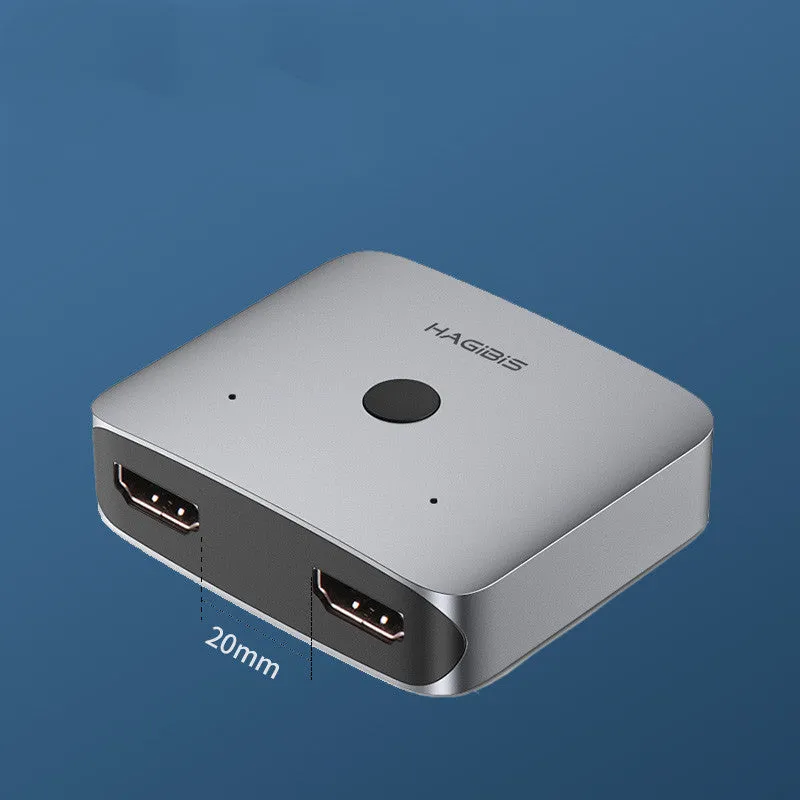
The source text specifies the unit's external colour as gray but does not detail the internal components or chassis materials. The focus is on its functional generation types. You can choose from three styles: Style A represents the first generation, Style B is the second generation which includes an upgrade described as 'large spacing', and Style C is the third generation. The third generation incorporates both a power supply upgrade and the large spacing improvement, with a specific recommendation for its more stable operation. This suggests iterative improvements in the device's electrical design and possibly its internal layout or connector spacing for better signal integrity or ease of use.
Size and Practical Fit
While exact dimensions are not provided, the device is implied to be a compact unit designed to sit discreetly among your other AV equipment. The 'large spacing' upgrade mentioned for the second and third generations likely refers to increased physical distance between the HDMI ports on the device's housing. This is a practical consideration, making it easier to plug in standard-sized HDMI cables, especially those with bulky connectors or protective sleeves, without them interfering with each other. This thoughtful design detail improves usability in real-world setups where space behind a TV or under a desk can be limited.
Uses and Placement
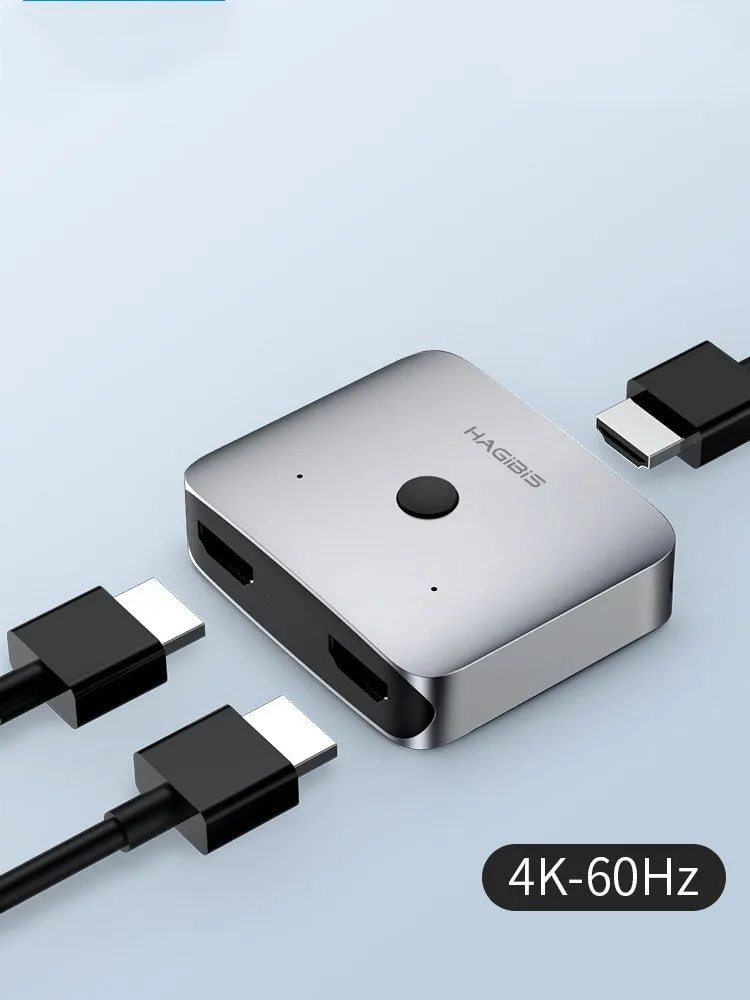
This switcher finds its place in any environment where a single screen needs to serve multiple video sources. It acts as a central hub, eliminating the need to manually swap cables at the back of your TV or monitor every time you want to change devices. This protects your equipment's ports from potential damage due to repeated insertion and removal.
Event or Professional Use
In presentation or exhibition settings, this device can be invaluable. For example, a speaker could seamlessly switch their laptop display between a slideshow and a live demonstration video on the main projector or large screen. In a retail environment, a single promotional monitor could cycle content from two different media players. The 'one drag two' or split screen functionality, as hinted in the title, suggests the device may also allow both input sources to be displayed simultaneously on the single output, which could be used for comparative displays, monitoring two security feeds, or side-by-side software demonstrations, though the exact split-screen mode should be verified with the manufacturer's specifications.
Everyday Home Use
For home entertainment systems, this switcher is a straightforward upgrade. Connect your satellite box and a gaming console to your main living room TV. Connect a work laptop and a personal streaming device to your home office monitor. With a simple selection on the switcher (often via a button or remote, though the specific control method isn't detailed), you can change sources instantly. This is more convenient than reaching behind furniture to swap cables and helps maintain a clean, organised media console without multiple cables permanently connected to the TV.
Benefits and Buying Value
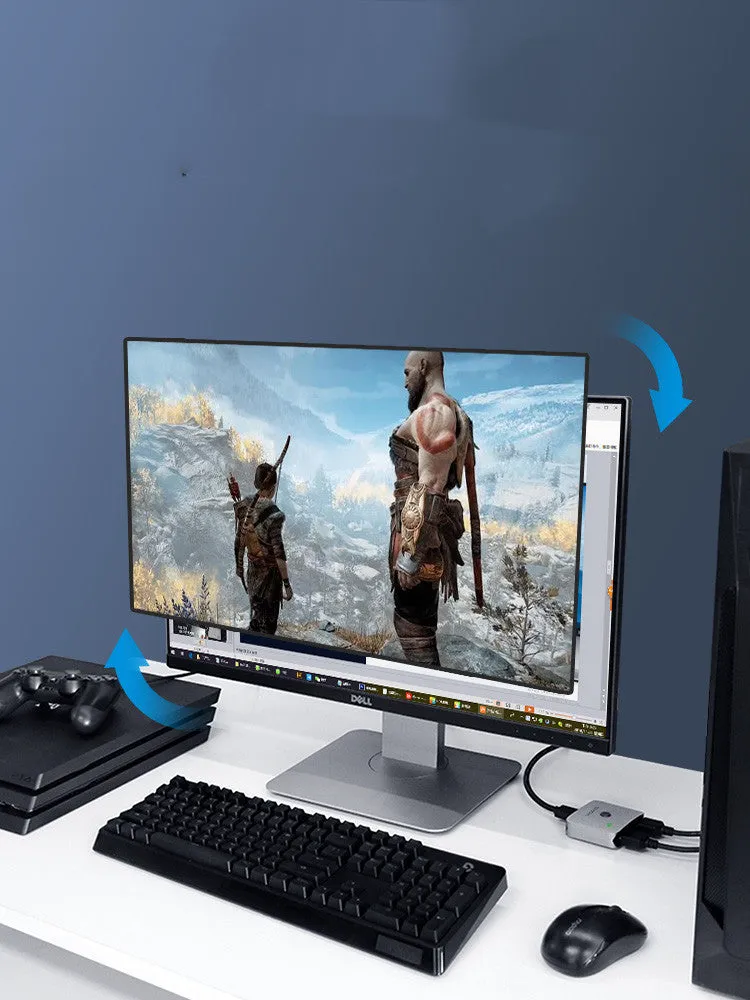
The value of this HDMI switcher lies in its simplification of connectivity and the potential extension of your display's utility. It turns a single-input screen into a multi-source hub, maximising the use of your existing TV or monitor without requiring a more complex and expensive AV receiver.
Reuse and Low Maintenance
As a passive switching device with no moving mechanical parts (aside from possible buttons), it is designed for long-term reuse with minimal maintenance. There are no filters to clean or consumables to replace. Its operation is solid-state, relying on electronic switching. The recommendation for the third generation model due to its 'more stable' operation implies a design focused on reliable, consistent performance over time, reducing the chance of signal dropouts or compatibility issues that can frustrate users.
Why Choose This Product
Choosing this Haibeisi switcher comes down to a need for basic, reliable video source management. Its key advantage is the clear choice between generational models, allowing you to select the recommended third generation for enhanced stability. The 'large spacing' upgrade across the newer models is a tangible, user-centric improvement that addresses a common pain point with densely packed ports. It provides a specific, focused solution for managing two HDMI sources, which is a very common scenario, without the cost or complexity of a larger matrix switcher with more ports than you need. It is a single-purpose tool that does its job effectively, as indicated by the iterative improvements between its available styles.