
Notebook Cooler with variable-speed 120mm fans for enhanced airflow, reducing surface temperatures for laptops up to 17 inches, with a noise output as low as 28dB(A).
Black
£55.98
Skip to product information

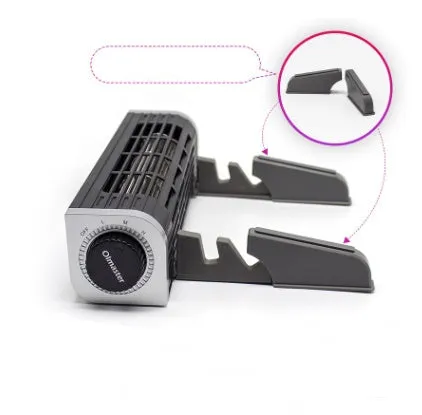 This active laptop cooling pad is engineered to manage heat build-up in notebooks up to 17 inches. Its dual 120mm fans deliver directed airflow, with a rotation speed you can adjust between 1900 and 2600 RPM. This allows you to increase cooling during processor-intensive tasks like video editing or gaming, or lower it for quieter operation during general use. The design incorporates an ergonomic lift, helping to reduce wrist strain during long typing sessions, all powered conveniently through a single USB connection.
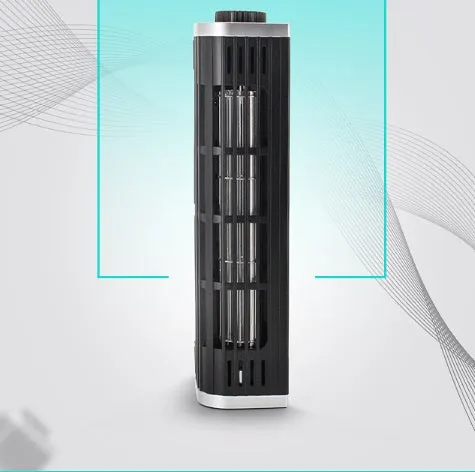 The cooler's performance is defined by specific technical specifications and a construction focused on stable support. It moves beyond a simple passive stand by actively drawing heat away from your laptop's chassis, which can help maintain optimal CPU and GPU clock speeds.
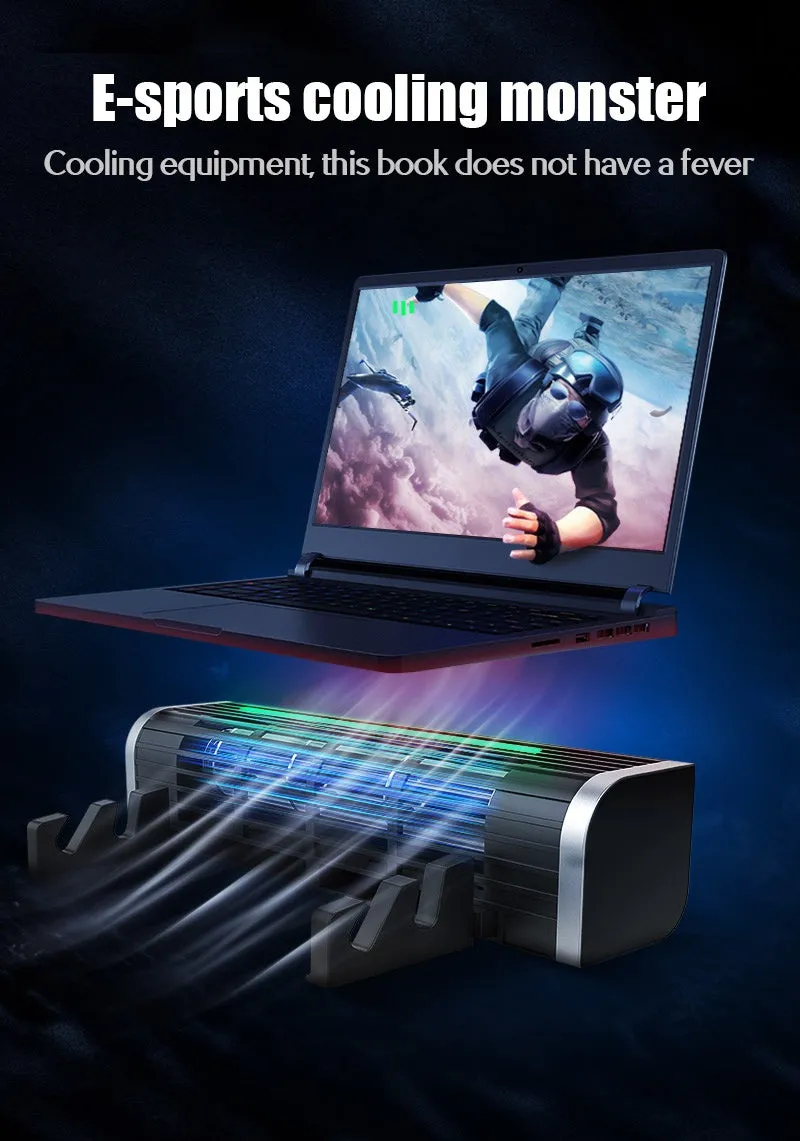


Notebook Cooler with variable-speed 120mm fans for enhanced airflow, reducing surface temperatures for laptops up to 17 inches, with a noise output as low as 28dB(A).
£55.98
Notebook Cooler with 120mm Fans for Adjustable Airflow and Reduced Operating Temperatures
Features and Build Quality of the Cooling Pad
Fan Performance and Acoustic Design
The core of the cooler is its pair of 120mm diameter fans. Their rotation speed is variable, operating between 1900 and 2600 revolutions per minute. This range provides control over the volume of air moved. The associated noise output is measured between 28 and 38 decibels on the A-weighted scale (dB(A)), meaning at its lowest setting, it generates less ambient sound than a typical quiet library.Power Specifications and Compatibility
The unit requires a 5V DC power supply, which is supplied via a standard USB-A cable. This low voltage and common interface mean it can be powered directly from nearly any modern laptop's USB port or from a USB wall charger, with no need for a separate power brick or internal battery.Frame Construction and Stability
Practical Applications for the Laptop Cooler This device serves users who push their laptops beyond basic tasks, where internal fans alone may struggle to dissipate heat efficiently. It provides a measurable solution to a common performance bottleneck.Use for Demanding Computing Tasks
For professionals running CAD software, developers compiling code, or gamers playing graphics-intensive titles, sustained high CPU/GPU usage generates significant heat. The cooler's maximum 2600 RPM fan speed provides additional airflow to help exhaust this heat, potentially reducing the frequency of thermal throttling where the processor slows itself down to prevent damage.Everyday Office and Study Use
During everyday tasks like web browsing, document editing, or video streaming, the cooler can operate at its lower speed setting. At around 1900 RPM and 28dB(A), the gentle hum is barely noticeable, offering a background cooling effect that keeps the laptop base pleasantly cool to the touch, unlike the sometimes uncomfortable heat that can build up on the lap or desk.Versatility in Setup and Placement
Key User Benefits and Long-Term Value Investing in auxiliary cooling addresses both immediate comfort and the long-term health of your laptop, protecting your investment.Value Through Component Longevity
Excessive heat is a primary factor in the degradation of electronic components like batteries and processors. By maintaining a lower ambient temperature around these parts, the cooler can contribute to extending their functional lifespan. This proactive measure can help delay performance decline and the need for costly repairs or premature replacement.Satisfaction from Consistent Performance
Make a Measurable Difference to Your SetupUpgrade your laptop's thermal management with a cooler that provides specific, adjustable performance. Choose between the standard flat base or the model with adjustable supports for enhanced ergonomics. Connect via USB and experience the difference that directed, variable-speed airflow from 1900 to 2600 RPM can make to your machine's operation and your own comfort.