
The US Style Wireless Router for Dual-Band 2.4G & 5G Connectivity Providing Stable Internet Access in a Compact White Design
US / White
£37.98
Skip to product information

 This US Style wireless router delivers essential dual-band connectivity, operating on both the 2.4GHz and 5GHz frequencies. As a wired router type, it establishes a dependable connection to your broadband modem via Ethernet, creating a stable foundation for your wireless network. The absence of a built-in firewall offers advanced users the freedom to implement a security setup of their choice. Finished in white, its compact form factor is designed for simple integration into your home office or living space, providing a no-fuss solution for expanding Wi-Fi coverage.
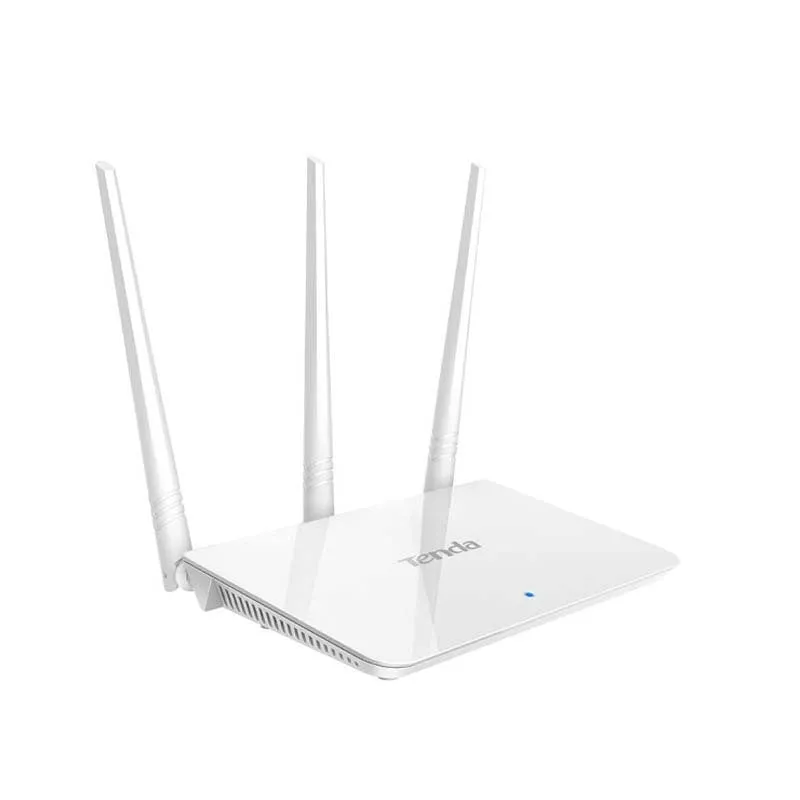 This section details the specific components and design choices that define this router's performance and placement in your home. We'll examine its dual-band capability, physical construction, and the rationale behind its feature set, providing a clear picture of what this device offers for your network.
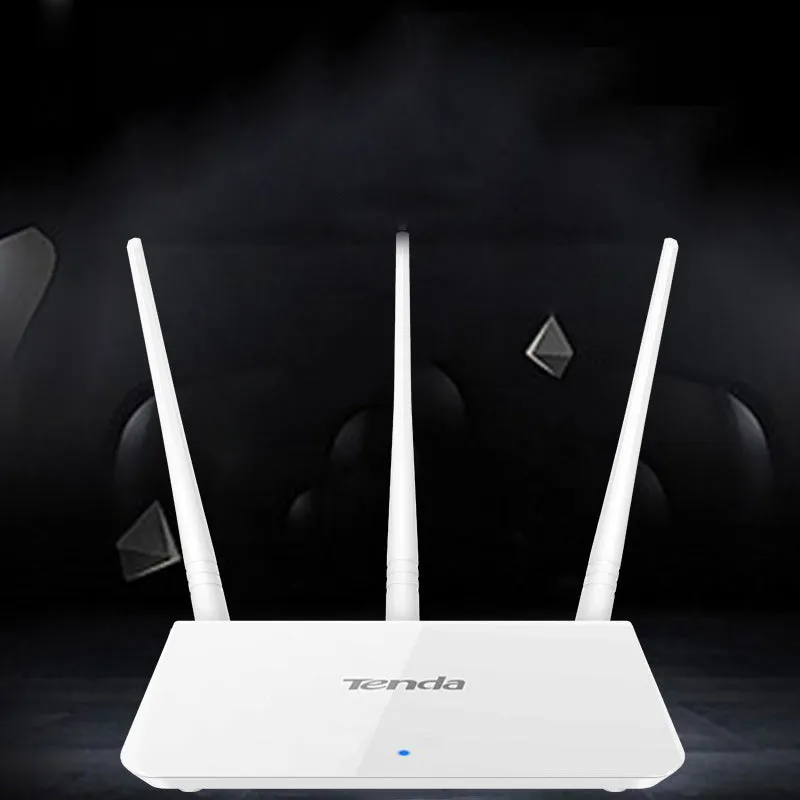 Understanding how this router fits into different scenarios can help you decide if it meets your needs. From providing basic whole-home coverage to serving as a dedicated network segment, its applications are rooted in its dual-band and wired design.
 Choosing this router brings specific advantages focused on network control, simplicity, and integration. These benefits translate into a more predictable and manageable home internet experience.
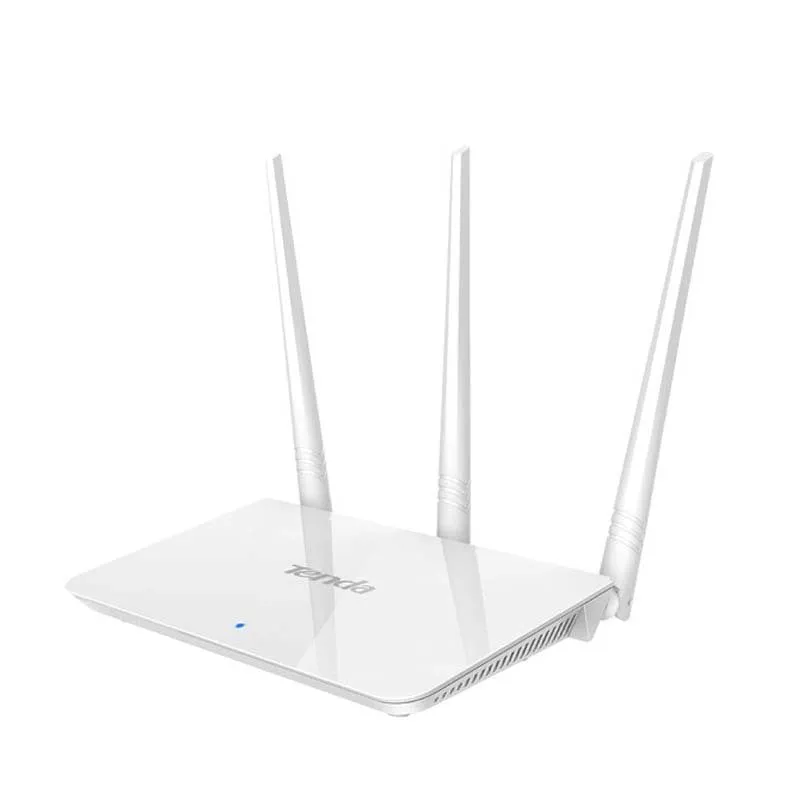


The US Style Wireless Router for Dual-Band 2.4G & 5G Connectivity Providing Stable Internet Access in a Compact White Design
£37.98
The US Style Dual-Band Wireless Router for Flexible 2.4G and 5G Home Networking
Features and Build Quality of the Dual-Band Router
Dual-Band Wireless Design
The router's core function is providing two separate wireless networks: a 2.4GHz band with better range and wall penetration for general browsing and IoT devices, and a 5GHz band offering faster speeds with less interference for streaming and gaming, all within a single unit. This design allows you to split your devices between networks to optimise performance. The antennas are internal, contributing to the clean, low-profile aesthetic of the white casing. Management is handled through a traditional web interface, accessible from any connected device, where you can set distinct names and passwords for each band.Wired Router Technical Specification
Technically classified as a wired router, this device must be connected to your existing internet modem or ONT using a physical Ethernet cable supplied in the box. This wired backhaul ensures maximum stability for the wireless signal it then broadcasts. It typically features one WAN port for the internet input and four LAN ports for wired connections to devices like desktop PCs, printers, or games consoles. Performance metrics are dependent on your internet service provider's plan, but the router facilitates the distribution of that speed wirelessly across its supported bands.Construction and Thermal Management
The router's housing is made from moulded ABS plastic, a material selected for its durability and good thermal properties. The underside and side vents are designed to facilitate passive airflow, helping to dissipate heat generated by the internal processor and radio components during operation. This construction aims to maintain consistent performance over long periods. The unit's modest weight of 0.35 kg and dimensions of 18cm by 12cm mean it stays firmly in place without needing special mounting.Practical Applications for Your Network
Professional and Advanced User Setup
For users with networking knowledge, the lack of a built-in firewall is a feature, not an omission. It allows this router to be placed behind a dedicated hardware firewall or a more sophisticated software solution running on a separate machine, creating a highly customised security perimeter. It can also function effectively as a standalone wireless access point when connected to a larger, more complex network managed by a professional-grade router, extending Wi-Fi coverage to a specific area like a workshop or garden office.Everyday Home and Office Use
In a typical home, the router's straightforward setup gets your Wi-Fi running quickly. The tactile experience involves feeling the smooth, cool surface of the white plastic casing and the positive click when connecting the Ethernet and power cables. The subtle indicator lights provide a clear, non-intrusive status display. Once configured, the reliable connection means you can move from room to room for a video call or stream a film in the kitchen without worrying about dropping the signal, thanks to the effective range of the 2.4GHz band.Versatility in Network Configuration
Its versatility extends to various living situations. In a small flat, it can serve as the sole networking device. In a larger house, it could be used to create a dedicated network for smart home devices on the 2.4GHz band, isolating them from your main devices on the 5GHz band for improved security and performance. The neutral white colour helps it blend into bookshelves or media units styled with modern, minimalist decor, whether placed vertically or horizontally.Tangible Benefits and Long-Term Value
Value Through Simplicity and Control
User Satisfaction and Network ConfidenceUser satisfaction stems from the confidence of having a stable network backbone. The peace of mind comes from the reliability of the wired connection to your modem and the ability to directly manage your wireless settings without unnecessary software layers. For those frustrated by all-in-one devices that make advanced configuration difficult, this router's straightforward web interface provides clarity and direct control, reducing troubleshooting time when adjusting settings or adding new devices to your network.Making the Decision to Purchase
Consider this dual-band wireless router if you need an uncomplicated device to provide reliable Wi-Fi from your existing broadband connection and prefer to manage network security separately. Its measurable benefit is the provision of two distinct wireless bands from a single, compact unit, giving you the flexibility to allocate devices for optimal performance. Check that your internet modem has an available Ethernet port and that you have a plan for a firewall, whether through your operating system or a separate device, to complete your secure network setup.